Blog
WhatsApp Voice Notes Into Support Tickets
Turn WhatsApp voice notes into structured support tickets with transcription, routing, human review, and auditable records.
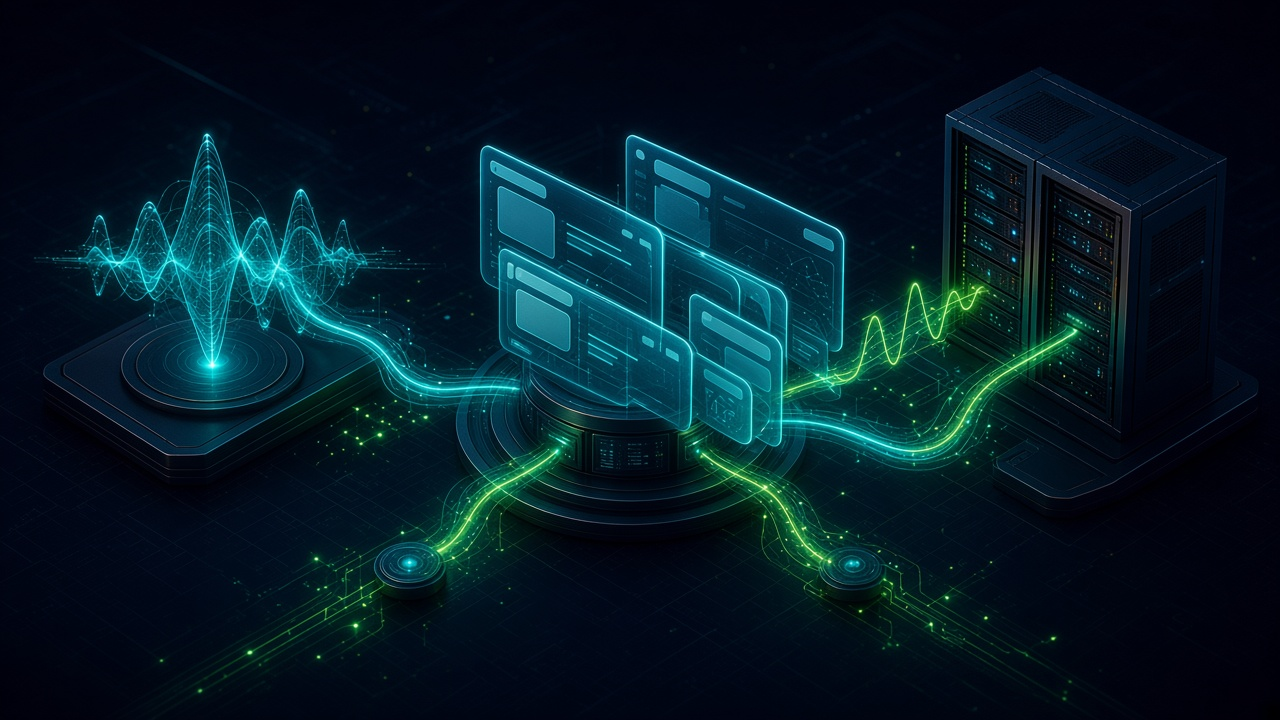
WhatsApp Voice Notes Into Support Tickets. Written by Adeem Adil Khatri at Zaps Studio.
TL;DR
- Fixed-price automations that pay for themselves in weeks, not quarters.
- Lead routing, quote follow-ups, and recovery flows with real ROI numbers.
- You own the system — no retainer lock-in to keep it running.
Yes, WhatsApp voice notes can become support tickets automatically in 2026, but not through WhatsApp alone. The workflow retrieves the audio through the WhatsApp Business Platform, transcribes it, extracts structured details, applies routing rules, and creates a ticket while preserving the original recording and transcript for review.
How does WhatsApp voice-note-to-ticket automation work?
A reliable workflow separates the messaging channel, automation layer, and help desk:
- Receive the voice note. A customer sends an audio message to a WhatsApp Business Platform number.
- Retrieve the media. The workflow uses the message webhook and media endpoint to download the audio securely.
- Transcribe the recording. Speech-to-text converts the voice note into searchable text.
- Extract ticket fields. An AI step identifies the customer, language, issue type, urgency, order or account reference, and requested action.
- Check confidence and risk. Poor audio, unclear intent, sensitive information, or unusual requests are sent for human review.
- Create or update the ticket. The workflow writes the structured information into the help desk or CRM.
- Assign ownership. Routing rules send the ticket to the right team, queue, location, or on-call person.
- Reply on WhatsApp. The customer receives a short confirmation, reference number, or clarification request.
- Preserve the evidence. The original audio, transcript, extracted fields, and automation log remain attached to the ticket.
The help desk should remain the system of record. WhatsApp is the conversation channel; the automation layer is the orchestrator.
For customer-floor automations, Zaps Studio typically builds this logic in n8n so clients retain the workflow source, credentials, and documentation. Delivery usually takes 2–4 weeks after an audit. The right design depends on the existing help desk, CRM, WhatsApp provider, and escalation process—not just the transcription model.
What information should the workflow extract?
A useful ticket contains more than a transcript. At minimum, extract:
Customer: name, phone number, account ID, or matching CRM record
Issue type: delivery problem, product fault, billing question, appointment request, or general enquiry
Urgency: routine, priority, safety-related, or emergency
Requested action: callback, replacement, refund review, technician visit, or status update
Reference data: order number, job number, invoice number, site address, or postcode
Language: the language used in the recording
Confidence: transcription and classification confidence scores
Source: original WhatsApp message ID and media reference
Audit trail: transcript, extracted fields, routing decision, and timestamps
For a home-services company, a voice note saying that a boiler is leaking should not enter the same queue as a request for an invoice copy. The former may need an immediate live handoff; the latter can follow a standard support workflow.
Zaps Studio’s preferred escalation pattern is an AI voice agent or after-hours intake flow with a live emergency handoff to an on-call technician. WhatZaps is better suited to WhatsApp chat and voice workflows where the business needs structured intake without asking staff to manually retype every message.
When should a human review the ticket?
Automatic ticket creation is useful, but automatic resolution is not always safe. Route the message to a person when:
The transcript confidence is below the agreed threshold
The recording contains heavy background noise
Multiple people speak at once
The customer uses an unfamiliar accent, language, or technical term
The request involves safety, money, legal issues, or personal data
The customer’s identity cannot be matched confidently
The message appears urgent but the intent is ambiguous
The AI detects contradictory details
The extracted order, job, or account number fails validation
The safest workflow can still create a provisional ticket while marking it Needs review. That keeps the original message visible to the team without pretending the automation understood more than it did.
What does the workflow cost in 2026?
There is no single universal price. The total usually combines:
WhatsApp platform charges: Meta charges by delivered business message, recipient market, and message category.
Provider charges: A WhatsApp Business Solution Provider may add a subscription, message fee, or other service charge. Meta states that partners can charge separately for value-added services.
Speech-to-text: Transcription is generally usage-based and depends on audio minutes, language, model, retention, and accuracy requirements.
Automation: n8n hosting, executions, monitoring, storage, and connected systems affect the monthly cost.
Help desk or CRM: The destination platform may charge per user, contact, ticket, workflow, or feature.
Implementation: Authentication, field mapping, retries, multilingual testing, permissions, and compliance are usually the largest one-time variables.
Zaps Studio’s public workflow pricing is typically $1,000–$3,000 per workflow or $3,000–$12,000 for a larger system, with retainers from $500 per month. The final quote depends on the number of routes, integrations, review rules, and environments.
Meta’s model is especially important when the workflow sends acknowledgements, clarification requests, ticket updates, or templates. Businesses are charged for delivered messages according to category and market, and Meta’s published 2026 guidance says service messages also move to per-message charging after the first 1,000 service messages per business phone number each month.
Treat those as planning inputs rather than permanent rate guarantees. WhatsApp pricing changes, so confirm the current market-category rate before launch.
Which WhatsApp tools can support this workflow?
Wati — A WhatsApp-focused shared inbox and automation platform; it suits commerce and support teams that want a packaged WhatsApp environment, but a highly customised ticket schema may still require external orchestration and can increase the subscription cost.
AiSensy — A WhatsApp Business Solution Provider focused strongly on campaigns and India ecommerce; it can suit broadcast-led support operations, but businesses needing complex cross-system ticket logic should validate its workflow and help-desk depth before committing.
Respond.io — An omnichannel inbox that can connect WhatsApp with systems such as HubSpot, Salesforce, Pipedrive, Odoo, Zoho, and Shopify; it suits teams managing several channels, but its broader inbox model may be more platform than a WhatsApp-only support team needs.
HubSpot — A capable CRM and routing destination for teams already using its service tools; it suits businesses that want tickets tied to customer records, but WhatsApp media retrieval, transcription, and bespoke confidence handling still need configuration outside the basic CRM setup.
For teams that already have a help desk, building the orchestration around the existing system is often cleaner than replacing it. For a small operation, a packaged provider may be faster. For a multi-step process involving CRM matching, SLA timers, ticket updates, and emergency escalation, a dedicated workflow build usually gives better control.
How should the ticket schema be designed?
Start with a small, stable schema rather than sending an unstructured AI paragraph into the help desk:
Ticket title: short issue summary
Customer ID: matched internal identifier
WhatsApp number: source contact
Issue category: controlled list
Priority: routine, priority, urgent, or emergency
Transcript: full transcription
Original audio: retained media reference or attachment
Summary: concise agent-facing explanation
Suggested next action: callback, dispatch, refund review, or clarification
Confidence: numeric score or low/medium/high label
Status: new, needs review, assigned, waiting on customer, resolved
Owner: team or named agent
Message ID: deduplication and audit key
Controlled values matter. If one workflow generates “urgent,” “high priority,” “ASAP,” and “critical,” reporting becomes unreliable. Define the allowed values before connecting the AI step.
Deduplication is equally important. WhatsApp retries, webhook delays, and provider callbacks can otherwise create duplicate tickets. Use the WhatsApp message ID as an idempotency key and record processing status before continuing.
What should the customer receive after sending a voice note?
The first reply should be brief and accurate:
We’ve received your voice note and created support request {{ticket_id}}. A team member will review it and follow up shortly.
If the workflow cannot identify the issue confidently, ask one specific question:
We received your voice note, but we could not confirm the order number. Please reply with the order number so the team can route your request correctly.
Avoid promising a resolution when the automation has only created a ticket. The message should distinguish between received, assigned, and resolved.
For emergency or safety-related situations, the workflow should use the configured handoff process instead of relying on a normal ticket acknowledgement. Zaps Studio’s voice-intake approach is designed for this kind of after-hours escalation, with live transfer to an on-call technician where required.
How do you implement it without losing control of the data?
Use this delivery sequence:
- Audit the current support process. Document where WhatsApp messages arrive, who reviews them, which tickets are urgent, and what counts as a successful handoff.
- Confirm WhatsApp Platform access. The Business Platform, not a personal WhatsApp login, is required for production webhooks, media handling, and automation.
- Choose the system of record. Select the help desk or CRM where tickets, ownership, SLA status, and resolution history will live.
- Define the ticket schema. Agree on categories, priorities, required fields, and escalation states before building prompts.
- Build the media and transcription path. Retrieve audio, transcribe it, retain the source reference, and handle failed downloads or unsupported formats.
- Add structured extraction. Return validated fields rather than an unrestricted narrative.
- Add human-review gates. Set thresholds for confidence, urgency, sensitive content, and identity matching.
- Implement retries and deduplication. Make webhook processing idempotent and log every state transition.
- Test real conditions. Include accents, short recordings, long recordings, background noise, code-switching, multiple speakers, and incomplete references.
- Launch with a review queue. Measure misroutes and corrections before allowing more automation.
- Monitor outcomes. Track ticket creation time, transcription failure rate, reassignment rate, first response time, and customer follow-up volume.
The original voice note should remain available to an agent. A transcript is an aid, not a replacement for source evidence when the issue is disputed or the wording matters.
Is this better than asking customers to type?
Often, yes—especially for field technicians, older customers, multilingual customers, and people describing a complicated problem. Voice notes can capture context faster than a short text message.
They also create new failure modes:
Audio may be unclear
Customers may provide several issues in one recording
Names and reference numbers may transcribe incorrectly
The speaker may assume the business knows the context
The recording may contain sensitive information
Customers may expect an immediate human reply
The best workflow keeps voice as an easy input while converting it into structured work for the support team. That is the practical value: fewer manual re-keying steps, better routing, and a searchable ticket record.
What is the practical recommendation for a small B2B team?
Start with one narrow ticket type, such as delivery exceptions, appointment requests, or product faults. Keep the extraction schema small, require human review for low-confidence cases, and measure whether agents actually spend less time processing WhatsApp messages.
A sensible first version should include:
One WhatsApp Business Platform number
One help desk or CRM destination
One transcription provider
Three to five issue categories
A clear urgent-escalation rule
Original audio and transcript retained together
A weekly review of incorrect classifications
Zaps Studio can build this as a customer-floor n8n workflow or connect it to WhatZaps for WhatsApp chat and voice handling. Workflow builds are delivered in the client’s own accounts, so the business keeps the n8n source, credentials, and documentation if the engagement ends.
For teams comparing broader automation options, the workflow automation pricing guide explains the main cost drivers, while n8n workflow examples for B2B teams shows how orchestration can connect operational systems without replacing them.
The core principle is simple: let WhatsApp capture the customer’s voice, let automation structure and route the request, and let the help desk own the ticket from intake through resolution.
Keep reading
Workflow automation cost guide
USD/GBP bands for DIY, freelancer, and fixed-price builds.
OpenFixed-price packages
One workflow from $1,000. You keep the n8n source.
Open10 n8n workflow examples
Lead routing, CRM revival, quote follow-up, ecommerce ops.
Open5 B2B automation quick wins
The live how-to that pairs with most of these drafts.
Open
FAQ
Ready to automate your workflows?
Book a free 30-minute audit. We'll analyze your current workflows and identify automation opportunities that pay for themselves in weeks.