Blog
Three-Way Match Lite Without Buying NetSuite
Match purchase orders, receipts, and supplier invoices without replacing your accounting system. A practical 2026 guide for importers choosing between AP software, automation, and NetSuite or Odoo.
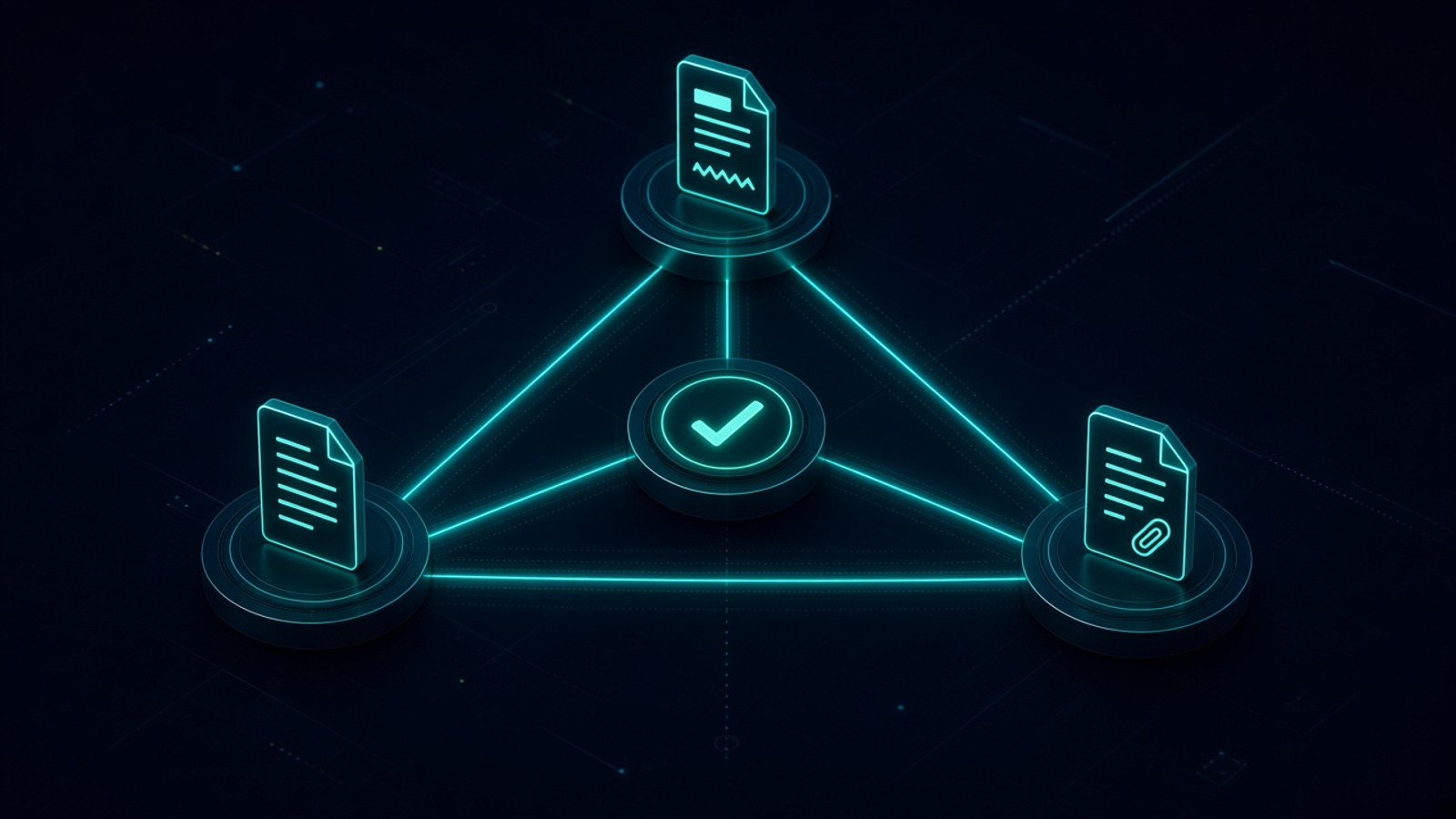
Three-Way Match Lite Without Buying NetSuite. Written by Adeem Adil Khatri at Zaps Studio.
TL;DR
- Fixed-price automations that pay for themselves in weeks, not quarters.
- Lead routing, quote follow-ups, and recovery flows with real ROI numbers.
- You own the system — no retainer lock-in to keep it running.
You do not need NetSuite to perform a three-way match. An importer can match the purchase order, goods receipt, and supplier invoice in a standalone AP or procurement layer, then send approved bills to QuickBooks, Xero, Sage, or Business Central. The right “lite” setup controls exceptions without forcing a full ERP replacement.
What does three-way matching actually compare?
A three-way match checks three records:
- Purchase order: What was ordered, at what price and quantity.
- Goods receipt: What actually arrived, including partial deliveries.
- Supplier invoice: What the supplier is billing.
The basic control is:
- Quantity ordered should align with quantity received and quantity billed.
- Unit price on the invoice should align with the purchase order.
- Product, SKU, supplier, currency, and other line details should be consistent.
Two-way matching compares the purchase order with the invoice. Three-way matching adds the receipt, which helps expose short shipments, duplicate billing, and invoices raised before goods arrive. A matching platform should also apply tolerances—for example, allowing a small freight or quantity variance—rather than rejecting every minor difference.
Three-way matching is a process, not a NetSuite-exclusive feature. A standalone platform can sit beside the accounting system and sync approved bills after the comparison is complete.
Why is a lightweight setup useful for importers?
Importers often have a gap between purchasing and accounting. The purchase order may live in email or spreadsheets, receiving may happen at a warehouse, and the invoice may arrive weeks later with freight, duty, or currency differences.
A lightweight workflow gives the AP team one exception queue:
- Invoice received by email or upload.
- Supplier and PO identified.
- Goods receipt attached or entered.
- Lines compared against quantity, price, and tolerance rules.
- Exceptions routed to the buyer, warehouse, or finance approver.
- Approved invoice exported to the accounting system.
- Audit record retained with the PO, receipt, invoice, and decision.
This is narrower than implementing NetSuite or Odoo. It is also easier to pilot around one supplier group, warehouse, or product category.
For landed-cost-heavy operations, the match should not stop at “invoice approved.” Freight, duty, insurance, port charges, and brokerage may need to be allocated across received units. A useful formula is:
Landed cost per unit = (product cost + allocated shipment charges) / units
That calculation is separate from the three-way match, but the same source records can feed both controls. Zaps Studio’s Shipment Ledger for importer landed-cost operations is designed for this type of operational workflow.
What should the minimum viable workflow include?
A practical lite implementation needs six capabilities:
- Purchase-order capture
- Import POs from a spreadsheet, accounting system, email attachment, or procurement tool.
- Receipt recording
Record full and partial receipts against PO lines. A receipt can be a warehouse confirmation, packing slip, delivery note, or structured goods-received record.
- Invoice extraction
Read supplier invoices from email or uploads. OCR is useful, but OCR alone is not three-way matching.
- Line-level comparison
- Compare SKU, description, quantity, unit price, currency, tax, and supplier across the three records.
- Tolerance rules
- Define acceptable quantity and price differences by supplier, product, currency, or workflow.
- Exception approval
- Send failed matches to the person who can resolve them, with the failed line and reason clearly shown.
The most important design decision is the exception queue. A system that marks documents as “processed” but cannot explain why a line failed will create more work for AP, not less.
Can you run it alongside QuickBooks, Xero, or Business Central?
Yes. The matching layer does not need to replace the accounting ledger. It can approve the invoice first and then synchronize the payable record to the existing finance system.
ProcureDesk describes this model as a procure-to-pay layer that connects with QuickBooks Enterprise, Sage Intacct, NetSuite, Microsoft Business Central, and Xero. Its guide also states that implementation can take roughly two to four weeks for a mid-market manufacturer, depending on configuration and data readiness.
The integration should define:
- Which system owns suppliers and chart-of-accounts data.
- Where POs are created and updated.
- Where receipts are recorded.
- When an invoice becomes payable.
- How tax, freight, duty, and currency differences are handled.
- What happens when a synchronization fails.
Do not automate payment merely because an invoice has readable text. Payment should follow a successful match or an explicit human approval.
How much does a lightweight three-way match cost in 2026?
Public pricing gives a useful starting point, but the real cost depends on invoice volume, integrations, onboarding, and exception complexity.
Aequo AP: $199 per month for up to 250 invoices, $699 per month for 1,000 invoices, and $1,999 per month for 5,000 invoices. Three-way matching is included on Growth and higher plans, and listed plans include unlimited users.
Standalone workflow build: Zaps Studio workflow packages are typically $1,000–$3,000 per workflow, while a broader operational system is commonly $3,000–$12,000.
Custom exception logic: More complex supplier, warehouse, landed-cost, or ERP synchronization requirements increase the implementation cost.
Ongoing support: Workflow retainers start from $500 per month when monitoring, revisions, and operational support are needed.
These prices are not directly comparable. One vendor may charge by invoice volume, another by user, another by transaction, and another by a platform fee plus implementation. Compare the complete monthly and annual cost, including:
- OCR or document allowances.
- ERP connectors.
- Payment fees.
- Supplier onboarding.
- Approval users.
- Annual commitments.
- Support and change requests.
For a broader view, see Zaps Studio’s workflow automation pricing guide and current automation pricing.
Which alternatives are worth considering?
ProcureDesk — A sensible fit for a mid-market manufacturer or importer wanting procurement and AP controls beside an existing accounting system. Public material describes integrations with QuickBooks Enterprise, Sage Intacct, Xero, Business Central, and NetSuite, with implementation commonly taking two to four weeks. Limitation: it is a dedicated procurement platform, so smaller teams may find its broader feature set heavier than a focused workflow.
Aequo AP — A transparent document-volume option, with public plans from $199 per month and three-way matching on Growth and above. Limitation: its manufacturing information says it does not accept EDI invoice feeds or connect to MRP and inventory systems.
NetSuite — A strong choice when finance, purchasing, inventory, warehouse, reporting, and multiple entities need one ERP. Limitation: it is a major implementation rather than a quick matching layer, and the wider system may be excessive if the only problem is invoice exceptions.
Odoo — A flexible ERP option for businesses prepared to configure purchasing, inventory, accounting, and receiving together. Limitation: flexibility creates more implementation and governance work than a narrow AP workflow.
Cin7 or Unleashed — Useful when inventory and purchasing visibility are the main operational priorities. Limitation: they should not automatically be treated as complete AP approval and payment-control systems without checking the required integrations and matching rules.
Zaps Studio — Best suited to an importer that needs a tailored exception workflow around existing tools, especially when the process includes spreadsheets, receiving updates, supplier emails, or landed-cost allocation. Limitation: it is a delivery service rather than a packaged ERP, so the workflow must be scoped and maintained around the client’s process.
For a lighter implementation, clients own the n8n source, credentials, and documentation. Delivery is typically two to four weeks after the workflow audit. The n8n workflow examples for B2B operations show the kind of customer-floor automation that can sit around existing systems.
How do you implement three-way matching without buying an ERP?
- Map the current document flow.
- Identify where POs, packing slips, goods receipts, invoices, and payment approvals originate.
- Choose one accounting destination.
- Decide whether approved bills return to QuickBooks, Xero, Sage, Business Central, or another system.
- Standardize supplier and item identifiers.
Matching fails when the PO uses one SKU, the packing slip uses another description, and the invoice uses a third.
- Start with one receiving process.
- Define how full receipts, partial receipts, damaged goods, backorders, and unreceived items are recorded.
- Set tolerance rules.
Examples include a permitted price variance, a quantity variance, and a separate rule for freight or currency differences.
- Build the exception queue first.
- Each failure should show the supplier, PO, invoice, affected line, variance, and assigned owner.
- Pilot with historical documents.
- Test clean matches, partial shipments, duplicates, price changes, credit notes, and invoices without a PO.
- Automate only after approval logic works.
Begin with alerts and review. Add automatic posting or payment only when exception rates and audit requirements are understood.
- Measure the result.
Track first-pass match rate, exception ageing, duplicate invoices, approval time, and invoices processed per AP employee.
This sequence is intentionally smaller than an ERP programme. It isolates the control problem before committing to a full system change.
What are the common failure points?
No reliable receipt record: Without a goods receipt, the process quietly becomes two-way matching.
OCR mistaken for control: Extracting invoice text does not prove that the goods arrived.
No partial-shipment logic: Importers commonly receive containers or pallets in stages.
Freight treated as a product variance: Freight may need its own coding and landed-cost allocation.
Unclear ownership: Finance sees the exception, but nobody owns the buyer or warehouse response.
Poor supplier data: Inconsistent SKUs and supplier names create false exceptions.
Automatic payment too early: A readable invoice is not necessarily an approved invoice.
No audit trail: The system should retain the records and explanation behind every override.
A good workflow reduces repetitive checking while keeping judgment where it belongs. It should not hide uncertainty behind an “approved” status.
When should you buy NetSuite or Odoo instead?
Choose a broader ERP when the business needs coordinated control across:
- Multi-entity accounting.
- Inventory and warehouse management.
- Purchasing and supplier management.
- Sales orders and fulfilment.
- Consolidated reporting.
- Tax, compliance, and role-based governance.
Stay with a lightweight matching layer when:
- The accounting system already works.
- The immediate issue is invoice and receipt control.
- One or two teams own the process.
- Supplier and item volumes are manageable.
- The business wants a two-to-four-week operational improvement rather than a long ERP programme.
For importers, the decision is rarely “automation or ERP” in the abstract. It is whether the current bottleneck is a missing enterprise system or a poorly controlled handoff between purchasing, receiving, and accounts payable.
If the latter is true, a three-way match lite workflow can deliver the control without buying NetSuite first. Start with the PO, receipt, invoice, tolerance rules, and exception queue; expand into a wider system only when the operational evidence justifies it.
Keep reading
Workflow automation cost guide
USD/GBP bands for DIY, freelancer, and fixed-price builds.
OpenFixed-price packages
One workflow from $1,000. You keep the n8n source.
Open10 n8n workflow examples
Lead routing, CRM revival, quote follow-up, ecommerce ops.
Open5 B2B automation quick wins
The live how-to that pairs with most of these drafts.
Open
FAQ
Ready to automate your workflows?
Book a free 30-minute audit. We'll analyze your current workflows and identify automation opportunities that pay for themselves in weeks.