Blog
Supplier PO Acknowledgement Automation: Workflow, Costs, and Best Options
Supplier PO acknowledgement automation captures confirmations, reconciles line-level changes, and routes exceptions before they disrupt inventory, costs, or delivery dates.
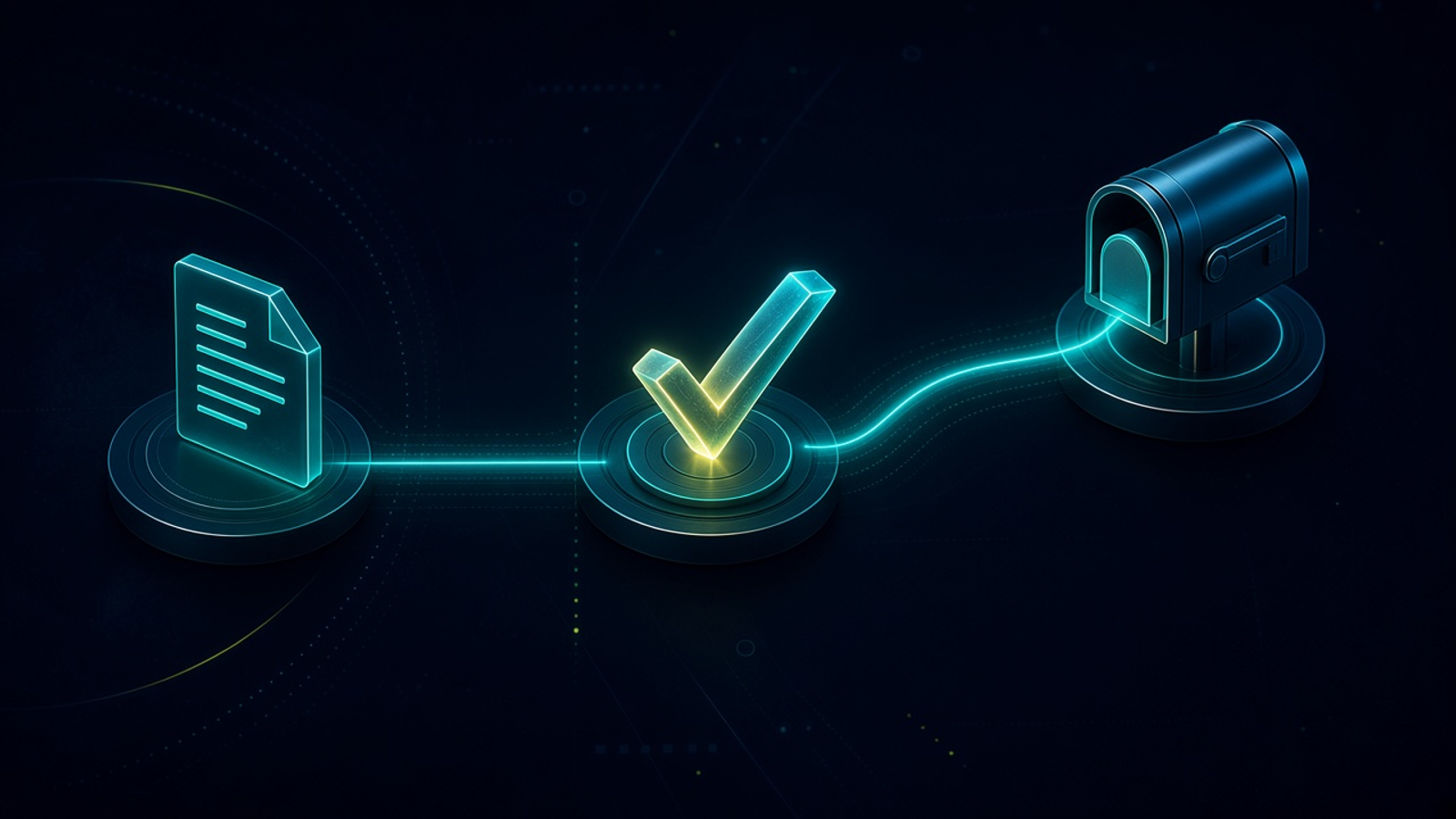
Supplier PO Acknowledgement Automation: Workflow, Costs, and Best Options. Written by Adeem Adil Khatri at Zaps Studio.
TL;DR
- Fixed-price automations that pay for themselves in weeks, not quarters.
- Lead routing, quote follow-ups, and recovery flows with real ROI numbers.
- You own the system — no retainer lock-in to keep it running.
Supplier PO acknowledgement automation captures supplier confirmations, extracts PO and line-level data, compares promised quantities, prices, and dates with the original order, then updates the ERP or sends exceptions to a buyer. In 2026, the practical model is hybrid: EDI or APIs for capable suppliers, plus email, PDF, portal, and flat-file handling for the long tail.
What does supplier PO acknowledgement automation actually do?
A purchase order acknowledgement is the supplier’s structured answer to a PO. It confirms whether the order was received and accepted, rejected, or changed.
A useful workflow does five things:
- Captures the acknowledgement from EDI 855, an API, supplier portal, email, PDF, or flat file.
- Extracts the PO number, supplier, item or line number, quantity, price, availability, and promised date.
- Matches each acknowledgement line against the original PO line.
- Automatically accepts low-risk confirmations that meet your rules.
- Routes price, quantity, availability, date, or matching exceptions to a buyer.
TradeCentric describes PO acknowledgements as structured responses containing order details, item availability, pricing, and delivery terms. SourceDay’s IDP workflow extracts the PO number, item, cost, quantity, and date, matches those details at line level, and updates the ERP when confidence is sufficient.
The result is not simply a cleaner inbox. It is a current record of what the supplier has actually committed to deliver.
Why is line-level matching more important than document capture?
A confirmation can be successfully received while still being operationally wrong.
For example, a supplier may confirm:
- 80 units instead of the 100 ordered.
- A unit price of $42 instead of $39.
- Delivery on 18 June instead of 4 June.
- Two accepted lines and one backordered line.
- A substitute item with a different SKU.
Document capture only answers, “Did the system read the file?” Line-level reconciliation answers, “Does the supplier’s commitment match the purchase order?”
SourceDay describes routing low-confidence matches for review rather than silently writing uncertain data into the ERP. That exception-first approach is safer for importers and distributors because clean confirmations move quickly while material changes remain visible.
Which channels should a supplier acknowledgement workflow support?
Supplier technical maturity varies, so one channel rarely works for everyone.
EDI 855: Best for high-volume suppliers already operating structured electronic transactions.
API: Useful when a supplier has a stable commerce, ERP, or order-management integration.
Supplier portal: Practical when suppliers can log into a shared workflow but cannot support a direct integration.
Interactive email: Useful when suppliers respond by email but can follow a controlled format.
PDF extraction: Necessary for suppliers that send attached confirmations or revised order forms.
Flat files: Helpful where suppliers can export CSV or similar structured data without building an API.
SPS Commerce connects PO receipt, validation, acknowledgement, ASN creation, and invoicing, including partners that still send PDFs. Its broader order-flow model links the PO, EDI 855 acknowledgement, ASN, and EDI 810 invoice rather than treating confirmation as an isolated event.
For a smaller importer, the right design is usually not “make every supplier adopt EDI.” It is “give each supplier a reliable intake path and normalize the result into one internal workflow.”
What should happen when a supplier changes the PO?
The automation should classify the response before posting it.
Accepted without changes: Update the acknowledgement status and promised date.
Quantity changed: Flag the shortfall or over-ship for buyer approval.
Price changed: Compare against tolerance rules and route over-threshold increases.
Date changed: Recalculate expected availability and notify affected teams.
Item unavailable: Escalate for substitution, split shipment, or cancellation.
Unmatched line: Hold the update until a buyer identifies the correct PO line.
No response: Trigger supplier reminders based on the PO’s required acknowledgement date.
SourceDay supports rule-based handling of low-risk changes, documented communication, and workflows showing what was sent, acknowledged, changed, and accepted. TradeCentric similarly describes acknowledgements that communicate acceptance, rejection, or proposed changes back to the buyer’s system.
A practical exception record should include the original value, supplier-proposed value, difference, approval owner, deadline, and final decision. That gives purchasing, finance, sales, and warehouse teams the same answer.
How do you build supplier PO acknowledgement automation?
- Define the acknowledgement record.
Start with PO number, supplier, line number, SKU, quantity, price, availability, promised date, and acknowledgement status.
- Classify suppliers by channel.
- Identify which suppliers support EDI or APIs, which use portals, and which send email or PDF confirmations.
- Connect the original PO.
- The acknowledgement must match against the PO in your ERP, inventory platform, or purchasing database.
- Extract and normalize responses.
- Convert EDI, API, portal, email, and PDF inputs into the same internal fields.
- Match at line level.
Do not rely only on the document number. Match SKU, supplier item code, quantity, price, and other identifiers.
- Set approval tolerances.
For example, automatically accept a delivery-date shift of one day but escalate any price increase or quantity reduction.
- Write accepted results back to the ERP.
- Update confirmed quantity, expected date, status, and supplier commitment without requiring rekeying.
- Route exceptions to the right person.
Send purchasing exceptions to buyers, date risks to planners, and urgent shortages to sales or customer service.
- Add reminder automation.
- Track unacknowledged POs and send reminders before the expected confirmation deadline.
- Measure operational completion.
Track acknowledgement coverage, match confidence, exception ageing, time to resolution, and confirmed-date accuracy.
At Zaps Studio, I would normally audit the PO, supplier-response, and ERP handoffs first, then build the smallest reliable workflow around the existing tools. A customer-floor n8n automation can be delivered with the client owning the source, credentials, and documentation; typical delivery is 2–4 weeks after the audit.
For a broader implementation, see the n8n workflow examples for B2B operations and the five workflow automation quick wins for B2B teams.
What are the typical 2026 costs?
Public pricing in this category is often quote-based, so the following are planning bands rather than universal subscription prices.
Basic email/PDF capture and acknowledgement tracking: $500–$2,500 per month. Cost depends on document volume, OCR or AI usage, workflow seats, and ERP connectivity.
Supplier portal or network workflow: $1,500–$7,500 per month. Supplier count, onboarding, portal features, and transaction volume are the main drivers.
EDI/API trading-partner automation: $2,500–$15,000 or more per month. Partner mappings, transaction volume, integrations, and support increase the price.
Enterprise IDP/AI plus ERP writeback: $25,000–$150,000 or more for implementation, often with $3,000–$20,000 or more in recurring monthly costs.
The main cost difference is whether the workflow must change supplier behaviour. A PDF and email workflow can work with existing supplier habits, but it needs extraction and exception controls. EDI and APIs reduce manual handling for capable partners but require mappings, testing, onboarding, and maintenance.
For a smaller operation, Zaps Studio workflow builds typically range from $1,000–$3,000 per workflow or $3,000–$12,000 per system, with retainers from $500 per month. The Zaps Studio pricing page gives the current commercial starting points.
Which named alternatives should you consider?
TradeCentric: A strong fit for structured buyer-supplier integrations and PO acknowledgements. It is less suitable when most suppliers will only respond through inconsistent email or PDF processes because integration coverage and onboarding still matter.
SPS Commerce: Suits retailers, distributors, and brands that need supplier order processing across EDI and PDF-based partners. It may be heavier than necessary for a small team with one ERP and a limited supplier base.
SourceDay: Suits procurement teams that need supplier follow-up, acknowledgement matching, change handling, and ERP alignment. It is designed around defined procurement workflows, so unusual processes may still require configuration or custom work.
NetSuite, Odoo, Cin7, and Unleashed: Useful when acknowledgement status can be built into an existing ERP or inventory platform. Their limitation is that native purchasing features do not automatically solve every supplier’s email, PDF, or data-quality problem.
Custom n8n automation: Suits teams with a stable ERP and a manageable number of supplier formats. Its limitation is that someone must own monitoring, credential management, error handling, and future supplier mappings.
For businesses that need a wider customer-floor system rather than only PO handling, Zaps Studio’s importer-focused Shipment Ledger can sit alongside supplier, shipment, and landed-cost workflows.
What do most articles get wrong about PO acknowledgement automation?
They confuse PO creation with PO acknowledgement. Issuing or approving a PO is different from receiving, validating, and reconciling the supplier’s response.
They assume every supplier supports EDI or APIs. The difficult population is often the long tail using email, PDFs, spreadsheets, or inconsistent confirmation formats.
They measure extraction instead of completion. OCR accuracy does not prove that proposed prices, quantities, or delivery dates were approved and written back correctly.
They ignore line-level reconciliation. A document may be captured while individual lines remain unmatched, partially accepted, or changed.
They promise fully touchless automation. Clean confirmations can be automated; material commercial and availability changes still need accountable approval.
They treat acknowledgement as the end of the process. The useful chain continues through supplier reminders, confirmed dates, ASNs, receipts, invoices, and customer commitments.
A good implementation makes uncertainty visible rather than hiding it. The aim is not to remove buyers from every decision; it is to remove repetitive checking so buyers can focus on exceptions that affect margin, availability, or delivery promises.
When should a business automate supplier PO acknowledgements?
Automation usually makes sense when buyers spend recurring time chasing confirmations, rekeying supplier responses, or discovering delivery and price changes too late.
Prioritise it when:
- Purchase orders are sent through multiple channels.
- Supplier confirmations arrive as mixed email and PDF formats.
- Buyers manually compare confirmations with ERP lines.
- Short shipments or date changes regularly surprise warehouse teams.
- Supplier follow-up depends on spreadsheets or individual inboxes.
- The business has enough volume for missed commitments to affect customer service or cash flow.
Start with one supplier group or one PO category. Capture the baseline, automate clean confirmations, and keep exceptions in a review queue. That gives the team a measurable path from inbox-driven purchasing to reliable supplier commitment visibility.
For adjacent workflows, see the quote follow-up automation guide for wholesale distributors and the lead routing automation guide for small B2B teams.
What is the practical recommendation for 2026?
Use a hybrid supplier PO acknowledgement workflow:
- EDI or APIs for high-volume, technically capable suppliers.
- Portals or structured email for suppliers willing to follow a shared process.
- PDF and email extraction for the long tail.
- Line-level matching against the original PO.
- Automatic posting only for high-confidence, low-risk confirmations.
- Buyer approval for price, quantity, availability, date, and unmatched-line exceptions.
- ERP writeback, supplier reminders, and downstream ASN and invoice visibility.
That approach reflects how supplier operations actually work. The best system is not the one with the most impressive connector list; it is the one that gives buyers a dependable answer when a supplier says, “We can deliver something different from what you ordered.”
Editorial note: The named competitor sections above use the supplied research results; official competitor outbound links were not added because the provided search results did not verify their current product-page details.
Keep reading
Workflow automation cost guide
USD/GBP bands for DIY, freelancer, and fixed-price builds.
OpenFixed-price packages
One workflow from $1,000. You keep the n8n source.
Open10 n8n workflow examples
Lead routing, CRM revival, quote follow-up, ecommerce ops.
Open5 B2B automation quick wins
The live how-to that pairs with most of these drafts.
Open
FAQ
Ready to automate your workflows?
Book a free 30-minute audit. We'll analyze your current workflows and identify automation opportunities that pay for themselves in weeks.