Blog
Purchase Order Status Updates Without a Full ERP
Keep PO status updates moving without buying a full ERP by using a lightweight workflow layer for approvals, vendor acknowledgments, receipt tracking, and exception handling.
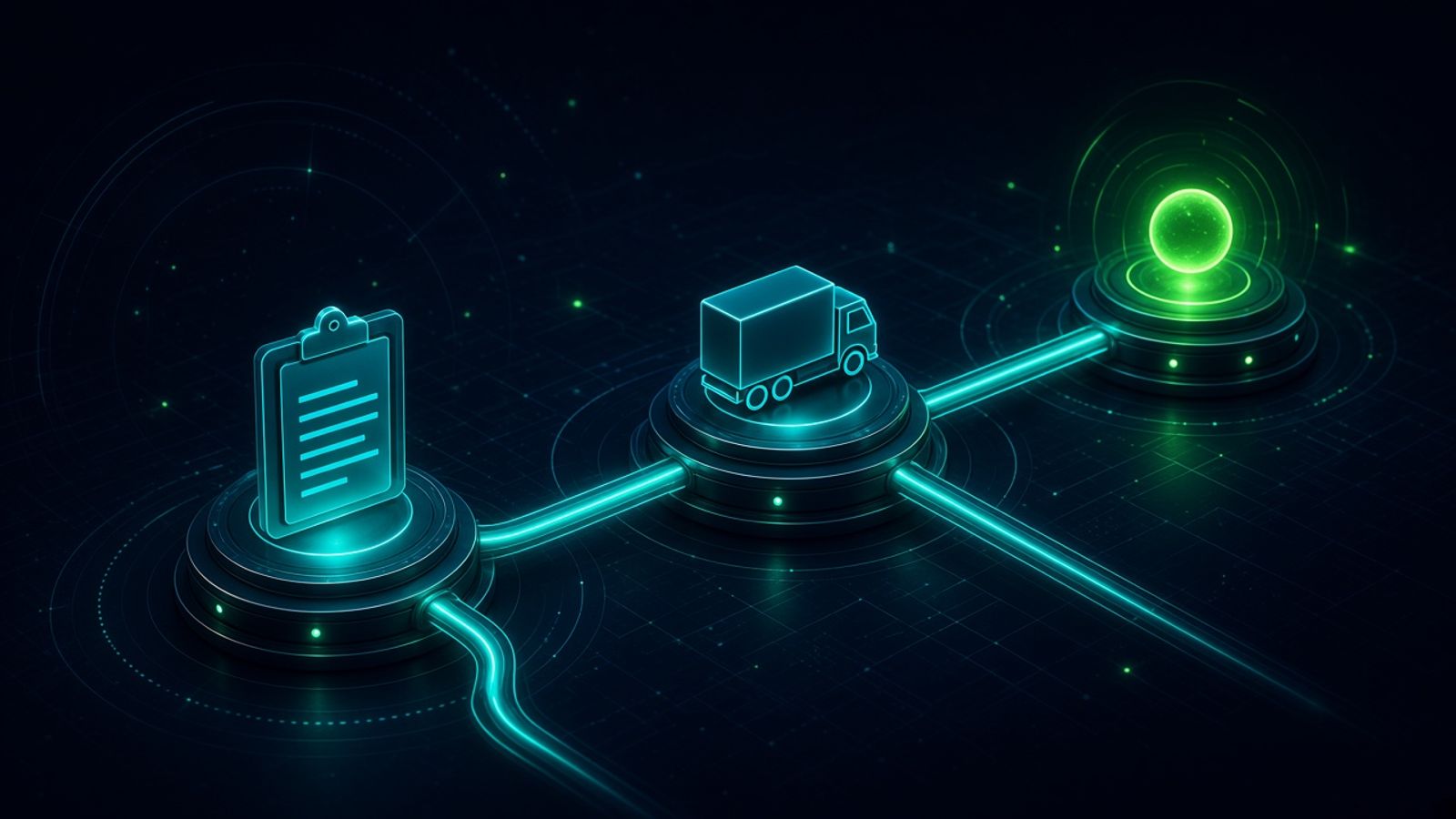
Purchase Order Status Updates Without a Full ERP. Written by Adeem Adil Khatri at Zaps Studio.
TL;DR
- Fixed-price automations that pay for themselves in weeks, not quarters.
- Lead routing, quote follow-ups, and recovery flows with real ROI numbers.
- You own the system — no retainer lock-in to keep it running.
You can keep purchase order status updates accurate without buying a full ERP by running a lightweight workflow layer on top of your accounting system. The goal is not to replace ERP; it is to track approvals, vendor acknowledgment, receiving, and exceptions cleanly, then sync only the milestones that matter.
What should a PO status workflow actually do?
A good PO workflow handles the full status journey: draft, approval, sent to vendor, acknowledged, partially received, received, invoiced, and exception. That matters because ERP modules often cover PO creation but are weaker on orchestration and vendor-facing visibility.
In practice, that means you need one system for control and one system of record for finance. A workflow engine such as n8n automation services for ops-heavy teams can sit between email, forms, accounting, and messaging so teams stop chasing updates manually. For a deeper view of workflow economics, see workflow automation pricing in 2026.
A simple rule helps: if a status change affects cash, receiving, or a supplier promise, automate it. If it is only a note for internal convenience, keep it light.
Why do teams avoid a full ERP for this?
Because PO status updates are a workflow problem first and an ERP problem second. Many teams only need approval routing, vendor acknowledgment, receipt confirmation, and exception handling, not a multi-year ERP rollout.
That is especially true for importer ops, distributors, and SMB finance teams that already live in QuickBooks, Xero, Sage, or NetSuite but do not want to replatform. For teams comparing build options, n8n workflow examples for B2B ops show how lightweight orchestration can replace spreadsheet chasing without adding a heavyweight suite.
The strongest operational win is lower cost per PO and fewer manual status-chasing emails. One 2026 benchmark cited in the market puts well-run PO processing at roughly $13.85 per PO for top performers versus $54.50 for bottom performers, which is why automation pays back even before a full ERP does.
What is the cheapest practical setup in 2026?
The cheapest practical setup is usually not a generic seat-based app alone. It is a small workflow layer plus your existing accounting system, with only the milestones synced back.
Typical 2026 price bands look like this:
Free to about $33/user/month for basic tracking or lighter workflow tools.
About $198 to $499/month for small-team purchasing workflows, including examples like Tradogram and Precoro Core.
About $518 to $1,000+/month for more complete purchasing and PO workflow packages.
Custom quote or enterprise for larger procurement suites.
If the budget is still being sized, Zaps Studio pricing gives the fixed-price range for workflow builds, while workflow automation cost guidance helps compare software versus custom implementation.
Which tools are worth considering?
Precoro — best for centralized PO workflow with accounting integrations; suits teams that want clear pricing and structured approvals; starts around $499/month Core; limitation: it is still a procurement platform, not a full ERP.
ProcureDesk — best for mid-market finance teams that want done-for-you implementation and accounting sync; suits teams on QuickBooks, Sage Intacct, or NetSuite; starts around $518/month for purchasing and $850/month for full P2P; limitation: implementation is more involved than a simple tracker.
Tradogram — best for smaller teams that need basic POs without a procurement budget; suits lean ops teams; starts free for one user or about $198/month; limitation: it is less robust than mid-market platforms.
Zoho CRM / Zoho ecosystem — best for budget-conscious teams already inside Zoho; suits low-cost automation needs; pricing is generally lower than enterprise suites; limitation: PO depth is narrower than dedicated procurement software.
For teams that need customer-facing updates rather than back-office approvals, WhatZaps for WhatsApp customer updates can handle notification loops, while Shipment Ledger for importer landed-cost ops is better when the purchase order ties into shipment and landed-cost tracking.
How do you build this without ERP?
-
Create the PO in your existing finance or accounting tool.
-
Trigger an approval workflow when the PO is drafted or submitted.
-
Notify the vendor when the PO is approved.
-
Capture vendor acknowledgment as a tracked event.
-
Update receiving status when goods arrive, partially arrive, or are rejected.
-
Push only key milestones back to accounting or reporting.
-
Route exceptions to finance or ops before the issue turns into a delay.
This is where a workflow studio earns its keep. At purchase order status updates without ERP, the right build is usually a slim system that connects approvals, inboxes, and ledgers rather than a large software replacement.
What do competitors do differently?
Wati — strong for WhatsApp inbox workflows and shared team handling; suits message-heavy support; limitation: it is not a PO system.
AiSensy — useful for WhatsApp-driven ecommerce communication; suits India-heavy ecommerce teams; limitation: it is not built for procurement control.
Respond.io — strong omnichannel inbox for support operations; suits teams managing messages across channels; limitation: it does not manage purchase orders natively.
HubSpot — strong CRM routing and pipeline control; suits teams that need sales or internal request routing; limitation: procurement workflow depth is limited.
QuoteWerks — good for quoting in distribution; suits distributor sales teams; limitation: it is quoting software, not PO lifecycle automation.
If the requirement is vendor-facing communication plus internal control, a custom workflow usually outperforms trying to force a CRM or inbox tool into procurement. If the requirement is broader lead or customer routing, lead routing automation for small B2B teams is the better pattern to copy.
When should you move beyond lightweight automation?
Move up when PO volume, multi-entity rules, or audit pressure starts breaking the spreadsheet-plus-email stack. That is usually the point where procurement platforms like Precoro or ProcureDesk make sense, and where a broader system like NetSuite, Odoo, Cin7, or Unleashed may be justified.
For many SMBs, though, the practical target is not “full ERP replacement.” It is fewer manual updates, clearer supplier status, and a lower cost per PO. That is why a focused automation build often wins before a full platform change does.
What should the first version include?
The first version should include:
PO creation or intake
Approval routing
Vendor acknowledgment capture
Receipt status updates
Exception alerts
Finance sync for final status
That is enough to remove the repetitive chasing work that slows ops teams down. It is also the right scope for a 2–4 week delivery window if the workflow has already been mapped.
If the team later needs broader orchestration, the same pattern can expand into CRM revival automation for dormant contacts or wholesale quote follow-up automation without rebuilding from scratch.
Keep reading
Workflow automation cost guide
USD/GBP bands for DIY, freelancer, and fixed-price builds.
OpenFixed-price packages
One workflow from $1,000. You keep the n8n source.
Open10 n8n workflow examples
Lead routing, CRM revival, quote follow-up, ecommerce ops.
Open5 B2B automation quick wins
The live how-to that pairs with most of these drafts.
Open
FAQ
Ready to automate your workflows?
Book a free 30-minute audit. We'll analyze your current workflows and identify automation opportunities that pay for themselves in weeks.