Blog
Cin7 vs a Workflow When You Are Not Ready for ERP
Cin7 and workflow automation solve different importer problems. Learn when to choose Cin7, when a workflow is enough, and why the practical answer is often both.
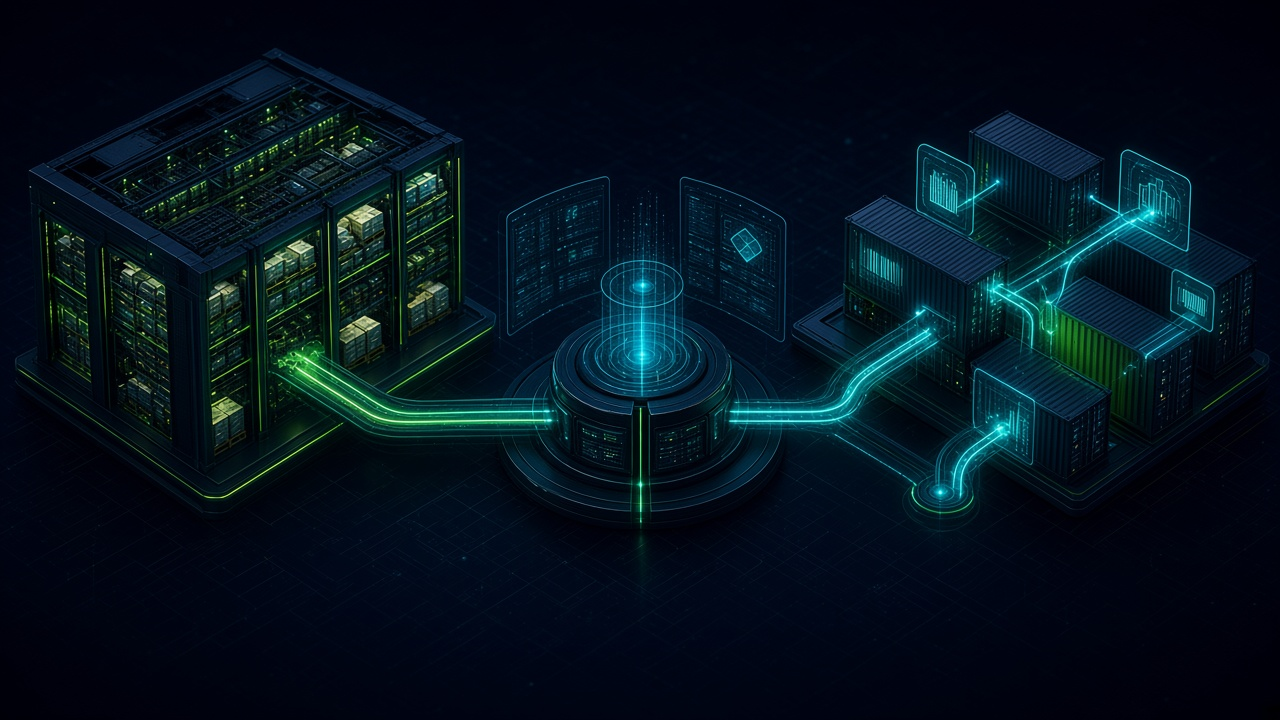
Cin7 vs a Workflow When You Are Not Ready for ERP. Written by Adeem Adil Khatri at Zaps Studio.
TL;DR
- Fixed-price automations that pay for themselves in weeks, not quarters.
- Lead routing, quote follow-ups, and recovery flows with real ROI numbers.
- You own the system — no retainer lock-in to keep it running.
If you are an importer that is not ready for a full ERP, choose Cin7 when inventory, purchasing, orders, warehouses, and sales channels need one system of record; choose workflow automation when your main problem is repetitive work between existing tools. In practice, the strongest route is often Cin7 plus automation—not Cin7 versus automation.
What does Cin7 do for an importer?
Cin7 is an inventory and order-management platform rather than a general-purpose automation layer. Its core job is to keep product, stock, purchasing, sales orders, warehouse locations, and channel activity under operational control.
Cin7 Core starts at $349 per month for new customers, in U.S. dollars and excluding taxes. Its published tiers include:
- Standard: $349 per month, five users, 6,000 annual sale orders, and two e-commerce or app integrations.
Pro: $599 per month, 10 users, 24,000 annual sale orders, four integrations, and material requirements planning.
Advanced: $1,199 per month, 15 users, 120,000 annual sale orders, six integrations, and advanced warehouse management.
These are subscription prices, not a complete implementation budget. Extra users, higher order volumes, integrations, data migration, configuration, training, and ongoing administration can change the total cost. See the official Cin7 pricing page for current plan details.
Cin7 says its ecosystem connects with more than 700 platforms, although the number of included integrations varies by plan. A connector can move data, but it does not automatically design your customs process, validate landed-cost calculations, or manage every exception.
When is Cin7 Core enough?
Cin7 Core is usually the sensible starting point when you are a smaller or mid-market importer and need stronger inventory control without adopting a broad ERP immediately.
It may fit when you need to:
- Track stock across warehouses and channels.
- Create and manage purchase orders.
- Synchronize e-commerce and marketplace orders.
- Monitor inventory availability.
- Connect accounting, shipping, or sales applications.
- Introduce more structured planning without building a full ERP.
Core can also connect to EDI and 3PL services through partner integrations. That distinction matters: Cin7 Core is not identical to Cin7 Omni in how native EDI and 3PL workflows are handled.
The right question is not “Does Cin7 have an integration?” It is “Can the integration support the fields, approvals, retries, ownership, and exception handling our importing process requires?”
When is Cin7 Omni the better fit?
Cin7 Omni is aimed at more complex operations. Cin7 positions it around omnichannel inventory, native EDI, 3PL connectivity, multi-entity support, and greater configuration flexibility.
Choose an Omni evaluation when you have several of these conditions:
- Multiple legal entities or complex reporting structures.
- High order volumes across several channels.
- Retailer or distributor EDI requirements.
- Multiple 3PL warehouses.
- More advanced fulfilment and inventory coordination.
- A need for deeper operational configuration.
Cin7’s Omni documentation describes workflows that transfer sales orders, purchase orders, or branch transfers to a 3PL, then import fulfilment confirmations such as carrier and tracking information. That is materially different from simply sending an email when a purchase order changes.
Omni is not automatically the right answer for every importer. Its broader capability can also mean more configuration, process design, training, and implementation work.
What can a workflow automate that Cin7 cannot?
A workflow layer is useful when the business already has systems but people are repeatedly moving information between them.
For example, an importer may need to:
- Receive a supplier shipment update by email.
- Extract the purchase order, container, ETA, and revised quantities.
- Validate the data against a spreadsheet or Cin7 record.
- Flag a mismatch for approval.
- Notify purchasing, finance, and the warehouse.
- Update the CRM or accounting system.
- Create a task for a customs broker or freight forwarder.
- Record the decision and preserve an audit trail.
That is orchestration. It connects systems and applies rules around them.
A workflow can also calculate or prepare landed-cost data:
Landed cost per unit = (product cost + allocated shipment charges) / units
The calculation is simple. The difficult part is deciding which freight, duty, insurance, brokerage, storage, and handling charges belong to each shipment or SKU—and what happens when an invoice arrives late or covers multiple consignments.
For that type of work, Shipment Ledger is designed around importer landed-cost operations, while a custom n8n workflow can connect the ledger to email, accounting, spreadsheets, or inventory systems.
What should Cin7 remain responsible for?
Cin7 should generally remain the source of truth for transactions that affect stock and fulfilment.
Keep these responsibilities inside the inventory platform where possible:
- SKU and product records.
- Available and committed stock.
- Purchase orders.
- Sales orders.
- Warehouse movements.
- Inventory adjustments.
- Channel availability.
- Fulfilment status.
Use automation around those records for:
- Alerts.
- Approvals.
- Data transformation.
- Supplier and freight-forwarder updates.
- Exception queues.
- Internal notifications.
- CRM and accounting synchronisation.
- Document collection.
- Management reporting.
This separation reduces the risk of two systems both claiming to own inventory. It also makes troubleshooting easier: Cin7 controls the transaction, while the workflow controls what happens before or after it.
What do importer workflows usually miss?
Many comparisons focus on monthly subscription prices and ignore the operational edge cases that determine whether a system works in production.
Common examples include:
- A supplier changes carton quantities after the purchase order is approved.
- A container is delayed but the customer-facing ETA remains unchanged.
- Freight charges arrive in a different currency.
- Customs duty applies to only part of a consolidated shipment.
- A 3PL confirms fewer units than were dispatched.
- A channel order is cancelled after stock has been allocated.
- A buyer requires EDI while another channel accepts API or CSV data.
- A document arrives as an attachment with no consistent naming convention.
These cases need validation rules, human approval, retries, logging, and clear ownership. A “700-plus integrations” claim does not guarantee those controls.
A workflow audit should therefore map:
- Trigger.
- Source data.
- Destination system.
- Required transformation.
- Approval point.
- Failure path.
- Person responsible.
- Audit record.
If the process cannot be explained on one page, automation should begin with a narrow, high-value slice rather than a large system rebuild.
How much should an importer budget?
Cin7’s public 2026 Core pricing gives a useful software baseline:
- Cin7 Core Standard: $349 per month.
- Cin7 Core Pro: $599 per month.
- Cin7 Core Advanced: $1,199 per month.
- Cin7 Omni: custom pricing and configuration.
The subscription is only one part of the decision. Budget separately for implementation, data cleanup, migration, integrations, user training, process ownership, and support.
For workflow automation, a credible price depends on scope rather than a universal platform number. At Zaps Studio, customer-floor workflow builds are typically:
$1,000–$3,000 per workflow.
$3,000–$12,000 per system.
Retainers from $500 per month.
Delivery in two to four weeks after the audit.
The client owns the n8n source, credentials, and documentation. That ownership matters if you later change suppliers or bring maintenance in-house. The Zaps Studio pricing page explains the commercial model without treating automation as a replacement for every operational system.
Which alternatives should importers consider?
NetSuite — Best for importers needing a broader ERP foundation, including financials, procurement, and multi-entity controls; it is typically heavier and more expensive to implement than an inventory-first platform.
Unleashed — A reasonable inventory-focused alternative for wholesalers and product businesses; it may provide less operational breadth for complex importer orchestration.
Katana — Worth considering when manufacturing and production scheduling matter more than multi-party freight, customs, and importer workflows; it is not a direct answer to every distribution problem.
Odoo — Flexible and broad, with many modules available; that flexibility can shift more configuration, governance, and implementation responsibility onto the buyer.
QuoteWerks — Useful for structured distributor quoting; it is not an inventory system of record or a complete landed-cost workflow.
The comparison should cover landed cost, container and shipment tracking, purchasing, customs documentation, EDI, 3PL connectivity, accounting, and exception handling—not just product counts and stock screens.
How does Cin7 compare with automation platforms?
Generic automation and CRM platforms can be valuable, but they solve different problems.
HubSpot — Strong for CRM records, marketing, and routing; it is not purpose-built for importer inventory and warehouse control.
Chili Piper — Useful for lead routing and scheduling; it does not replace purchasing, stock, or shipment management.
Zoho CRM — A budget-friendly CRM automation option; importer-specific inventory and landed-cost workflows usually need additional products or custom work.
QuoteWerks — Good for quoting processes; it does not provide Cin7-level inventory operations.
For WhatsApp-based customer communication, Wati provides a WhatsApp BSP and shared inbox, but it is not an importer inventory platform. AiSensy is positioned around WhatsApp engagement, particularly for India-focused e-commerce use cases, so it may require additional systems for UK, U.S., or Canada importer operations. Respond.io offers an omnichannel inbox, but an inbox still needs a governed inventory and order system behind it.
Zaps Studio’s WhatZaps product can sit at the customer-communication layer, while Cin7 or another inventory platform remains responsible for operational records.
Should you choose Cin7, automation, or both?
Use this decision rule:
- Choose Cin7 first if stock accuracy, purchasing, warehouse control, and channel synchronisation are currently unreliable.
- Choose workflow automation first if the systems are adequate but employees spend hours copying shipment, supplier, CRM, or accounting data.
- Choose Cin7 plus automation if inventory needs a dependable system of record and your cross-system processes are still manual.
- Choose a full ERP evaluation if you need consolidated financials, multi-entity controls, formal procurement, manufacturing, or governance that extends well beyond inventory.
- Start with one workflow if the process has unclear ownership or inconsistent source data.
The most practical first workflow is usually an exception process: delayed shipment alerts, purchase-order mismatch handling, landed-cost collection, 3PL discrepancy review, or quote follow-up. These produce visible value without attempting to rebuild the company in one project.
For examples of customer-floor automation, see n8n workflow examples for B2B teams and five workflow automation quick wins.
What is the bottom line for an importer?
Cin7 is the better choice when the business needs inventory and order control. Workflow automation is the better choice when the business needs systems to communicate and exceptions to move without manual chasing. Neither category automatically replaces the other.
For most importers not ready for a full ERP, the safest path is to establish one trusted inventory system—Cin7 Core, Cin7 Omni, or a suitable alternative—then add narrowly scoped workflows for freight, customs, supplier updates, approvals, landed cost, and customer communication.
That approach avoids both expensive overbuilding and fragile spreadsheet dependence. It also leaves room to expand later without discarding the operational logic already paid for.
Keep reading
Workflow automation cost guide
USD/GBP bands for DIY, freelancer, and fixed-price builds.
OpenFixed-price packages
One workflow from $1,000. You keep the n8n source.
Open10 n8n workflow examples
Lead routing, CRM revival, quote follow-up, ecommerce ops.
Open5 B2B automation quick wins
The live how-to that pairs with most of these drafts.
Open
FAQ
Ready to automate your workflows?
Book a free 30-minute audit. We'll analyze your current workflows and identify automation opportunities that pay for themselves in weeks.