Blog
WhatZaps vs Wati When Chat Is Not Enough
Wati is the stronger packaged WhatsApp workspace. WhatZaps is the better fit when WhatsApp must trigger CRM updates, approvals, alerts, and operational handoffs across your business.
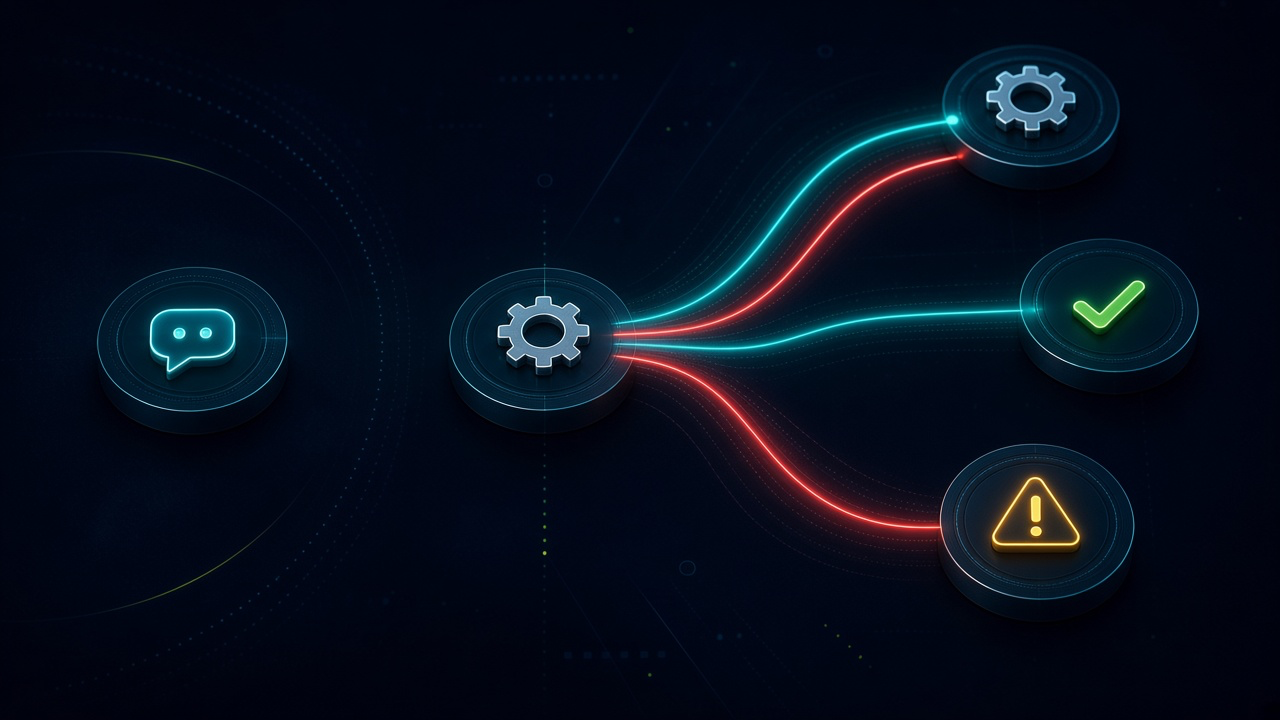
WhatZaps vs Wati When Chat Is Not Enough. Written by Adeem Adil Khatri at Zaps Studio.
TL;DR
- Fixed-price automations that pay for themselves in weeks, not quarters.
- Lead routing, quote follow-ups, and recovery flows with real ROI numbers.
- You own the system — no retainer lock-in to keep it running.
Wati is the better packaged WhatsApp workspace for shared inboxes, chatbot flows, broadcasts, and managed team messaging. WhatZaps is the better fit when a WhatsApp event must update a CRM, request approval, create an internal task, send an alert, or trigger work across several systems after the conversation ends.
What is the difference between WhatZaps and Wati?
The simplest distinction is conversation platform versus workflow layer.
Wati is built around WhatsApp Business operations: a shared inbox, chatbot automation, broadcasts, routing, integrations, and team access. Its current plans include Growth, Pro, and Business tiers, with features and capacity varying by plan.
WhatZaps is part of Zaps Studio’s wider delivery model. I use it when WhatsApp is one component in a broader n8n workflow rather than the whole operating environment. For an ops-heavy UK, US, or Canadian SMB, that might mean:
- Capturing a WhatsApp enquiry and creating a qualified CRM record.
- Sending a quote-approval request to a manager.
- Updating a stock, order, or shipment system.
- Routing a lead by territory, product, or account value.
- Alerting an internal team when a customer replies.
- Recording a handoff so nobody assumes someone else is dealing with it.
That difference matters because a chatbot can answer a question without completing the work behind it. If the customer’s message needs to move through sales, finance, fulfilment, or service, the important question is what happens after WhatsApp receives or sends the message.
For examples of the broader category, see these n8n workflow examples for B2B operations and five workflow automation quick wins.
When should a business choose Wati?
Choose Wati when the main problem is managing customer conversations on WhatsApp.
It is usually the sensible starting point when you need:
- A shared WhatsApp inbox for several agents.
- No-code chatbot and routing flows.
- Broadcasts and template messaging.
- Basic CRM or commerce integrations.
- Managed WhatsApp Business Platform operations.
- A more mature, packaged interface than a custom workflow build.
Wati’s public pricing documentation confirms that its subscription is separate from WhatsApp messaging fees, and that message costs vary by destination country and message type. Its published pricing page also notes that businesses using the WhatsApp Business API incur message charges in addition to the software plan.
The limitation is equally clear: Wati is centred on customer communications. You may still need custom integration work when a message must pass through unusual approval logic, legacy software, inventory rules, or several internal systems.
For teams comparing inbox products, Respond.io’s WhatsApp integration is a credible alternative. It supports WhatsApp workflows and omnichannel operations, but its broader platform model may be more capability than a small team needs—and it still does not remove Meta’s message charges.
When should a business choose WhatZaps?
Choose WhatZaps when WhatsApp is only one trigger or channel inside a process that already crosses systems.
A typical example is a distributor receiving a WhatsApp message that says, “Can you confirm stock and send the latest price?” A useful automation may need to:
- Identify the contact and company.
- Check or update the CRM.
- Find the relevant product or account terms.
- Ask for approval if the margin is below a threshold.
- Create a quote or task.
- Notify the right salesperson.
- Record the outcome for follow-up.
That is not just a chat problem. It is a coordination problem.
The same pattern appears in quote follow-up automation for wholesale distributors, lead-routing automation for small B2B teams, and Shopify WhatsApp order tracking without extra headcount.
WhatZaps is therefore best evaluated on:
- Available connectors.
- Trigger reliability.
- Retry and error handling.
- Audit logs.
- Permissions and credential ownership.
- Human handoff design.
- How easily the workflow can be changed.
- Whether the source, documentation, and credentials remain with the client.
At Zaps Studio, clients own the n8n source, credentials, and documentation. Delivery generally takes two to four weeks after an audit. Fixed-price work typically starts at $1,000–$3,000 per workflow or $3,000–$12,000 per system, with retainers from $500 per month. These are Zaps Studio delivery bands, not WhatZaps subscription prices; dependable public 2026 WhatZaps pricing is limited and should be confirmed before purchase.
What does Wati cost compared with WhatZaps?
Wati’s observed 2026 subscription bands vary across pricing pages and billing options. One current Wati analysis lists approximately $39–$249 per month, while another Wati pricing page shows annual-plan figures beginning around $59 and reaching approximately $279 for higher plans.
Those figures should be treated as observed bands, not a universal quote. Plan revisions, annual versus monthly billing, region, included users, and add-ons can change the total.
The larger mistake is comparing only the subscription line. WhatsApp Business Platform charges are separate. Meta moved from conversation-based pricing to message-based pricing on July 1, 2025, and eligible charges depend on message category and recipient country. Respond.io likewise explains that Meta rates and the platform subscription are separate costs.
A practical comparison looks like this:
| Cost component | Wati | WhatZaps |
|---|---|---|
| Core price | Published plan structure, with observed bands varying by page and billing cycle. | Confirm current quote; no dependable public 2026 band established. |
| WhatsApp fees | Separate Meta message charges based on category and destination. | Still applies when WhatsApp Business Platform messaging is used. |
| Best cost model | Predictable packaged software for a WhatsApp team workspace. | Project-based automation investment for cross-system operations. |
| Main risk | Paying for capacity or features the team does not use. | Underestimating integration, testing, maintenance, and exception handling. |
For a wider explanation of delivery economics, see how much workflow automation can cost and the current Zaps Studio pricing packages.
What does Meta’s WhatsApp pricing change mean?
Meta’s move to message-based pricing means the old “one 24-hour conversation” mental model is no longer enough.
Wati states that Meta introduced message-based pricing on July 1, 2025. Charges can apply to template messages according to category, including marketing, utility, and authentication messages. Wati’s current documentation also describes service-message changes taking effect from October 1, 2026, subject to Meta’s applicable rules and allowances.
That creates three planning requirements:
- Estimate message volume by category, not just conversations.
- Check destination-country rates before forecasting margin.
- Separate platform subscription costs from Meta usage costs.
A workflow that sends one utility confirmation to a customer may have a very different cost profile from a broadcast campaign or authentication sequence. Neither Wati nor WhatZaps eliminates those underlying WhatsApp charges.
What are the strongest alternatives to WhatZaps and Wati?
Respond.io — Best for omnichannel inboxes, routing, workflows, and AI-assisted customer communications. It suits teams that want WhatsApp alongside other channels, but its wider platform can be unnecessary for a WhatsApp-only operation.
AiSensy — Best suited to businesses wanting a WhatsApp BSP and campaign-oriented setup, particularly in India. Its limitation is that teams with complex UK B2B back-office workflows may still need a separate automation layer. See the AiSensy official product site.
HubSpot — Best for CRM-led routing and lifecycle automation. It is a strong fit when the CRM is the operating system, but advanced automation, data structure, or messaging requirements can push teams into higher-cost tiers. See HubSpot’s CRM platform.
Chili Piper — Best for lead routing, qualification, and scheduling. It solves revenue-team handoffs well, but it is not a general WhatsApp operations platform. See Chili Piper’s routing tools.
Zoho CRM — Best for budget-conscious CRM automation with a broad business suite. Its limitation is that unusual cross-system processes may require more configuration and integration work than expected. See Zoho CRM.
QuoteWerks — Best for structured quoting in distributor and sales environments. It is not a replacement for a WhatsApp inbox or a general-purpose workflow orchestrator. See QuoteWerks.
What do most WhatZaps versus Wati comparisons get wrong?
Most comparisons make three errors.
First, they compare sticker prices instead of total cost. The real bill can include software plans, seats, Meta message charges, automation quotas, AI credits, add-ons, implementation, and maintenance.
Second, they treat all WhatsApp automation as the same category. A shared inbox, chatbot builder, CRM connector, and cross-system orchestration layer solve different problems.
Third, they ignore failure modes. A useful workflow needs retries, clear ownership, logging, permissions, fallback routes, and a human handoff. Without those controls, an automation may send the right message while silently failing to update the system that the team relies on.
That is why I would not position WhatZaps as a feature-for-feature replacement for Wati without a current product demo and vendor quote. Wati has the clearer packaged WhatsApp workspace. WhatZaps should win when the operational requirement extends beyond the chat itself.
How should a team decide between WhatZaps and Wati?
Use this decision rule:
- Choose Wati if the primary requirement is a shared WhatsApp inbox, chatbot flows, broadcasts, routing, and managed customer messaging.
- Choose WhatZaps if WhatsApp must trigger actions across CRMs, approvals, inventory, finance, fulfilment, or internal operations.
- Choose Respond.io if the team needs a broader omnichannel workspace with WhatsApp workflows.
- Choose a CRM-first product such as HubSpot or Zoho CRM if customer records and sales routing are the centre of the process.
- Choose a custom n8n system if the workflow crosses several tools and the business needs ownership of the logic, credentials, and documentation.
- The short version is simple: Wati manages the conversation; WhatZaps helps move the work that follows it.
That distinction is the reason Zaps Studio leads with customer-floor n8n automations for ops-heavy SMBs, offers WhatZaps when WhatsApp and voice are the right interface, uses Shipment Ledger for importer landed-cost operations, and builds a custom MVP only when a workflow is not enough.
Keep reading
Workflow automation cost guide
USD/GBP bands for DIY, freelancer, and fixed-price builds.
OpenFixed-price packages
One workflow from $1,000. You keep the n8n source.
Open10 n8n workflow examples
Lead routing, CRM revival, quote follow-up, ecommerce ops.
Open5 B2B automation quick wins
The live how-to that pairs with most of these drafts.
Open
FAQ
Ready to automate your workflows?
Book a free 30-minute audit. We'll analyze your current workflows and identify automation opportunities that pay for themselves in weeks.