Blog
Invoice Reminder Automation for B2B Late Payments
A practical guide to automating B2B invoice reminders that actually reduce late payments without damaging client relationships.
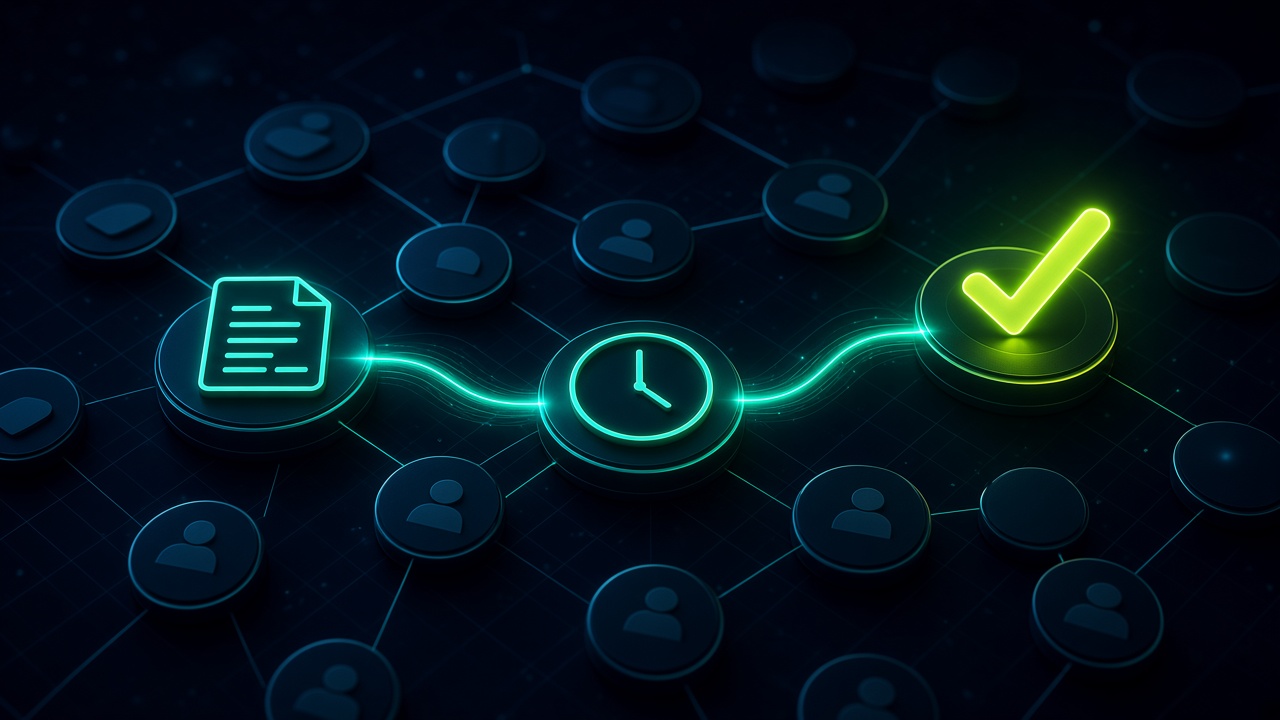
Invoice Reminder Automation for B2B Late Payments. Written by Adeem Adil Khatri at Zaps Studio.
TL;DR
- Fixed-price automations that pay for themselves in weeks, not quarters.
- Lead routing, quote follow-ups, and recovery flows with real ROI numbers.
- You own the system — no retainer lock-in to keep it running.
Invoice reminder automation works best when it is multi-step, channel-aware, and escalates by invoice age or customer risk instead of sending one generic email. In 2026, that usually means a pre-due nudge, due-date reminder, overdue follow-up, and a handoff to a human before the relationship turns cold.
What does good invoice reminder automation actually look like?
A usable B2B reminder flow does three things: it reminds on time, it adapts tone as debt ages, and it stops the moment the invoice is paid. The strongest setups also connect to accounting and CRM systems, so finance, sales, and customer success see the same status without spreadsheet chasing.
The simplest version is email-only, but that is rarely enough for late-paying B2B accounts. Better workflows add rules for invoice value, customer segment, dispute status, and channel preference, then route higher-risk cases to a person instead of continuing the sequence.
For the practical version of this, I usually frame invoice reminders the same way I frame workflow automation quick wins for B2B teams and lead routing automation for small B2B teams: one trigger, one clean handoff, one visible owner.
Which reminder cadence works best for late payments?
The cadence that shows up again and again is pre-due, due-date, 3 days overdue, 7 days overdue, 14 days overdue, then personal follow-up for older balances. That sequence gives customers enough reminders to pay without feeling spammed, and it lets the language get firmer only when the invoice is actually aging.
A good sequence also pauses for disputes. If a customer says the invoice is wrong, automation should stop and route the issue to a human, because pushing dunning messages through a dispute can create more delay, not less.
If you want the reminder copy to feel useful instead of robotic, pair it with the same operational thinking behind AI customer reply automation and CRM revival workflows for dormant B2B contacts: short, clear, and tied to the customer’s actual context.
How much should a B2B reminder system cost in 2026?
Most 2026 coverage groups the market into four price bands. Basic reminder automation sits around $0 to $80 per month, SMB invoice-chasing tools often land around $49 to $259 per month, mid-market AR automation is commonly about $300 to $1,500 per month, and enterprise platforms are often quote-based at roughly $25K to $50K+ per year.
That spread matters because a reminder tool is not just “email software.” Once you add risk scoring, multiple approvers, collections visibility, and accounting integrations, the price can jump fast.
For buyers trying to benchmark the real project cost, our workflow automation pricing guide and the related how much does workflow automation cost resource are the better starting points than sticker-price lists.
Which tools are worth comparing?
The most repeated 2026 alternatives are Chaser, Tesorio, and Billtrust, with other names like Upflow, Invoiced, Versapay, Satago, HighRadius, and Paystand appearing across the same category. Chaser suits teams that want focused invoice chasing, Tesorio suits teams that want cash forecasting plus AR control, and Billtrust suits larger finance teams that need enterprise-grade workflows and audit trails.
For adjacent workflows, not pure AR, I also see teams compare Wati for WhatsApp inbox workflows, Respond.io for omnichannel messaging, and HubSpot for CRM-based routing. Wati is useful when WhatsApp is the channel, but it is not a full AR collections platform. Respond.io is strong for inbox consolidation, but it is not built specifically for invoice chasing. HubSpot is excellent for CRM orchestration, but finance-specific dunning depth is limited.
For a budget CRM angle, Zoho CRM can work well for reminder-adjacent follow-up, but it is not a dedicated collections tool. For quote-to-cash teams, QuoteWerks helps with quoting, but it does not replace a proper reminder system once invoices go overdue.
What should you automate first if you are starting from scratch?
- Trigger the reminder from invoice due dates, not from a weekly manual list.
- Send one pre-due message and one due-date message before any overdue sequence starts.
- Escalate by age: 3 days, 7 days, 14 days, then human review.
- Stop the flow automatically when the invoice is marked paid.
- Pause the flow when a dispute, credit note, or partial-payment exception appears.
- Log every reminder sent so finance can see the trail without checking inboxes.
That sequence is the minimum viable system. It is also the point where automation starts saving real admin time instead of just moving the same chasing work into a different inbox.
If you are building the wider ops layer around it, our n8n workflow examples for B2B and Shipment Ledger product show how we think about connected back-office systems, not isolated automations.
Why do many reminder projects fail?
Most fail because the team automates the message but not the process. A reminder that ignores disputes, customer segments, or approval paths can feel aggressive, and a reminder that cannot show who was chased, when, and how is hard to trust.
The other common mistake is buying a tool before mapping the workflow. If you do not know who owns the exception path, which invoices should escalate, and which accounts should get a softer tone, the software will not fix the process for you.
That is where a specialist build helps. At Zaps Studio, I usually scope these as fixed-price workflow systems for ops-heavy SMBs, delivered in 2–4 weeks after audit, with the client owning the n8n source, credentials, and docs. For teams that need the broader back-office picture, our resources hub is the best place to start.
What is the practical takeaway for B2B teams?
Automate invoice reminders only when the system can change tone, channel, and escalation based on debt age or risk. If the workflow is just “send the same email three times,” it is not a collections strategy, and it will not protect cash flow or client relationships for long.
For teams that want this built properly, the strongest next step is a workflow audit, not another template download.
Keep reading
Workflow automation cost guide
USD/GBP bands for DIY, freelancer, and fixed-price builds.
OpenFixed-price packages
One workflow from $1,000. You keep the n8n source.
Open10 n8n workflow examples
Lead routing, CRM revival, quote follow-up, ecommerce ops.
Open5 B2B automation quick wins
The live how-to that pairs with most of these drafts.
Open
FAQ
Ready to automate your workflows?
Book a free 30-minute audit. We'll analyze your current workflows and identify automation opportunities that pay for themselves in weeks.