Blog
Abandoned-Cart WhatsApp Without Looking Like Spam
Recover abandoned carts on WhatsApp with consent, restrained timing, relevant messages, clear opt-outs, and a practical 2026 cost model.
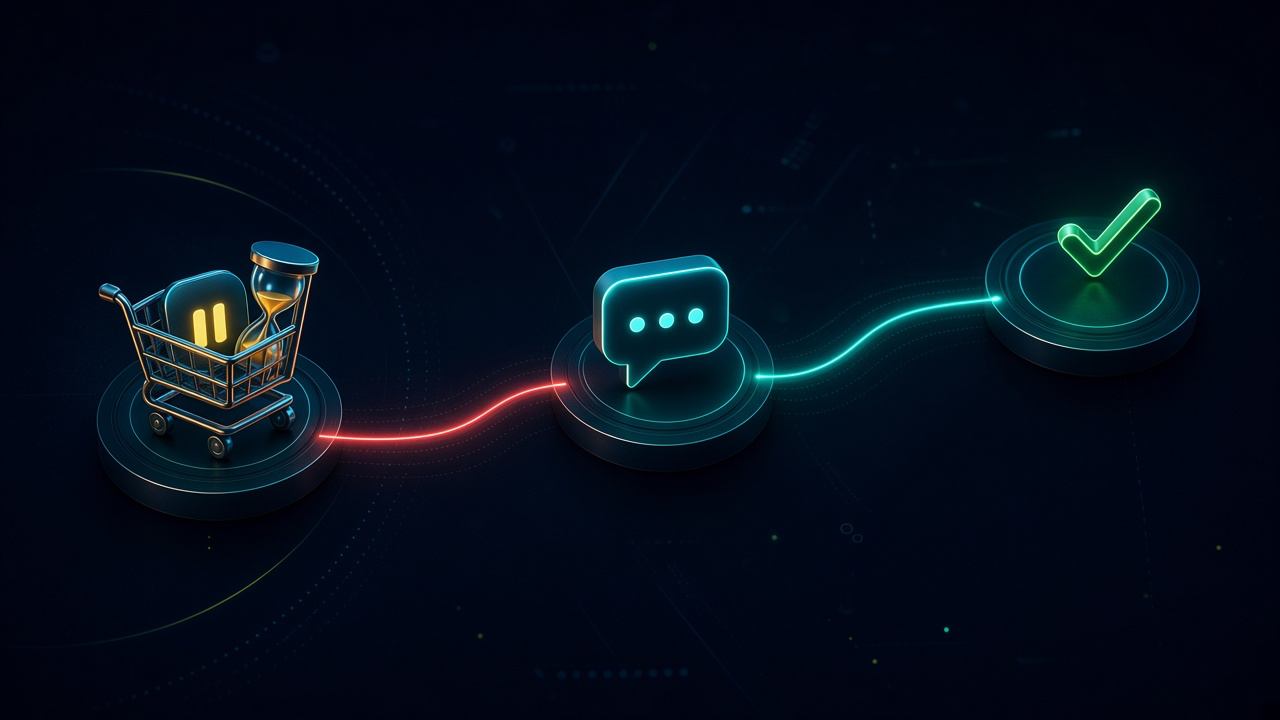
Abandoned-Cart WhatsApp Without Looking Like Spam. Written by Adeem Adil Khatri at Zaps Studio.
TL;DR
- Fixed-price automations that pay for themselves in weeks, not quarters.
- Lead routing, quote follow-ups, and recovery flows with real ROI numbers.
- You own the system — no retainer lock-in to keep it running.
WhatsApp cart recovery works when it feels like useful assistance, not a broadcast: collect explicit consent, send one relevant reminder after 30–60 minutes, consider one final message around 24 hours later, and stop when the shopper opts out. Include the actual products, total, recovery link, and a clear way to get help.
What makes an abandoned-cart WhatsApp message legitimate?
The difference is permission plus context. A shopper should know that providing a phone number and checking a WhatsApp consent box may result in marketing or cart-recovery messages. Do not treat a phone number collected for delivery updates as automatic permission for promotions.
A practical opt-in should:
- Name WhatsApp specifically.
- Distinguish marketing from order or delivery updates.
- Avoid pre-ticked consent boxes.
- Explain what the shopper will receive.
Provide an easy opt-out such as “Reply STOP.”
WhatsApp requires businesses to contact people who have given their number and opted in to receive messages. A cart reminder should therefore go only to an opted-in customer, not every visitor who entered a phone number at checkout.
This is one reason a properly designed workflow matters more than simply connecting Shopify to a messaging provider. The automation must check consent, cart status, message history, and suppression requests before sending.
When should the first WhatsApp cart reminder arrive?
Send the first reminder 30–60 minutes after abandonment. A one-to-two-hour delay is also a reasonable test for products where shoppers need more consideration; sending immediately can feel intrusive, while waiting several days usually loses the original buying intent.
Use a simple first-touch rule:
- Detect a cart that has no completed order.
- Wait 30–60 minutes.
- Check that the cart has not been recovered.
- Check that WhatsApp marketing consent is present.
- Send one approved template.
- Stop the sequence if the customer purchases or opts out.
The first message should not lead with a discount. It should solve likely friction: a forgotten cart, uncertainty about delivery, a payment problem, or a question about the product.
Example:
Hi Maya, you left these items in your basket: linen overshirt and relaxed trousers. Your total is £128. You can return to checkout here: [link]. Reply STOP to opt out, or reply HELP if you have a question.
Keep the copy specific. Generic messages such as “You forgot something!” resemble bulk marketing and give the customer no reason to trust the link.
Should there be a second reminder?
Usually, one additional reminder around 24 hours later is enough. Some providers recommend two or three touches, but a restrained one-or-two-message sequence is safer for customer experience and reputation.
A second message can be useful when:
- The cart value is high.
- The products remain in stock.
- The customer has previously purchased.
- There is a genuine deadline, such as an expiry or stock constraint.
- The first message was delivered but not clicked.
It should not be sent when:
- The customer has opted out.
- The order has already been completed elsewhere.
- The item is unavailable.
- The first message received a negative reply.
- Consent is unclear.
If a discount is part of the strategy, use it carefully. A permanent “10% off” follow-up trains shoppers to abandon carts deliberately and changes a service-like reminder into an overt promotion.
What should the message include?
A useful cart-recovery message contains four things:
- The product name or a concise product summary.
- The current cart total, including relevant delivery information.
- A secure link back to the saved checkout.
- A clear action, support route, and opt-out instruction.
Avoid adding unrelated products, brand announcements, competitions, or several promotional buttons. Those elements turn a narrow reminder into a campaign.
The automation should also preserve the customer’s language, currency, product availability, and discount state. A message showing a price that no longer exists creates more complaints than conversions.
For complex ecommerce operations, connect the cart event to a central workflow rather than building isolated rules inside several tools. Zaps Studio’s ecommerce automation services are designed for this kind of operational handoff, including checks for inventory, customer status, and human escalation.
Are abandoned-cart reminders marketing messages?
In most cases, yes. A message intended to bring someone back to complete a purchase generally falls under WhatsApp’s marketing category rather than being automatically treated as a free utility update.
Meta’s WhatsApp Business Platform charges businesses per delivered message, with pricing determined by message category and the recipient’s country. Messages sent outside an open customer-service window may also require an approved template; a customer’s previous conversation does not give unlimited permission for proactive promotions.
That means a workflow needs more than a WhatsApp API connection. It needs:
- An approved template.
- Correct marketing categorisation.
- Consent records.
- Country-aware cost monitoring.
- Delivery and failure logging.
- Opt-out suppression.
- A reply-handling route.
Treat Meta’s own WhatsApp Business Platform pricing as the authority for current country-specific charges. Provider articles and older “conversation pricing” comparisons can become outdated as billing rules change.
What does abandoned-cart WhatsApp automation cost in 2026?
A realistic 2026 budget has three parts:
- Meta message fees: Country- and category-dependent charges for delivered messages.
Provider subscription: Often about $15–$35 per month for entry-level ecommerce tools, or roughly $79–$249 per month for broader inbox and automation platforms.
Implementation: A custom workflow may cost from $1,000–$3,000 when built as a focused automation, depending on integrations, consent logic, testing, and support requirements.
Provider markups, template management, inbox seats, automation limits, and human-support features can add to the monthly total. High message volume does not automatically mean high return: measure recovered margin, not just click-through rate.
At Zaps Studio, fixed-price workflow packages typically range from $1,000–$3,000 per workflow and $3,000–$12,000 per system, with retainers from $500 per month. Delivery usually takes two to four weeks after an audit, and clients own the n8n source, credentials, and documentation. The Zaps Studio pricing page explains the engagement model.
Which WhatsApp cart-recovery tools are worth considering?
Wati: A practical fit for Shopify or WooCommerce teams that need a WhatsApp Business Platform inbox, templates, and automation. Its limitation is that subscription tiers and provider costs sit on top of Meta’s message charges; Wati is best when WhatsApp is the main support channel.
AiSensy: Suits India-focused ecommerce teams seeking WhatsApp campaigns, catalogs, and commerce features. Its limitation is that teams operating mainly outside India should verify country support, pricing, and operational fit before committing; see AiSensy.
Respond.io: A strong option for teams combining WhatsApp with other channels in one shared inbox. Its limitation is that broader omnichannel capability can mean more configuration and a higher subscription cost than a focused cart-recovery tool; see Respond.io.
Interakt: Often attractive for smaller India-oriented commerce teams that want catalogs and WhatsApp sales workflows. Its limitation is that international requirements and complex back-office orchestration may need additional tools.
Manychat: Useful for visual marketing journeys across supported channels. Its limitation is that it is not a substitute for a carefully governed order, inventory, and customer-service workflow.
The right choice depends on whether the problem is messaging alone or an operational gap across ecommerce, support, fulfilment, and CRM.
How should a non-spam workflow be built?
Use this implementation sequence:
- Capture consent at checkout. Store the timestamp, wording shown, source, phone number, and consent type.
- Listen for cart abandonment. Trigger only when the cart is inactive and no matching order has been created.
- Apply eligibility checks. Confirm WhatsApp consent, valid phone formatting, product availability, customer status, and suppression status.
- Wait 30–60 minutes. Use a delay that can be adjusted by product category and tested against conversion and complaints.
- Recheck the cart. Do not send if the customer has purchased, emptied the cart, or received a manual response.
- Send one approved template. Include products, total, checkout link, support action, and opt-out instructions.
- Record the outcome. Log delivery, click, reply, purchase, opt-out, and failure reason.
- Consider one final reminder. Send around 24 hours later only to eligible customers and only when the first message did not resolve the situation.
- Stop automatically. End the sequence after purchase, opt-out, customer complaint, or the final reminder.
- Review weekly. Compare recovered margin with message fees, discounts, support time, and complaint rates.
A workflow such as this can run in n8n while keeping the business rules visible and auditable. Clients working with Zaps Studio own the n8n source, credentials, and documentation rather than receiving a black-box sequence.
What should happen when customers reply?
Replies are where many cart-recovery campaigns fail. A customer may ask about sizing, delivery, payment, returns, or a discount. If the workflow sends reminders but leaves replies unattended, it creates a poor support experience.
Set explicit handoff rules:
- Route product questions to the support queue.
- Escalate payment failures to a secure checkout or payment-support path.
- Avoid collecting card details in WhatsApp.
- Mark “STOP,” “unsubscribe,” and equivalent requests as suppressed immediately.
- Pause automated reminders after a human reply.
- Restore automation only after the customer re-enters an eligible journey.
A shared inbox can help, but the inbox alone does not determine whether the workflow is safe. Wati and Respond.io are useful named alternatives for team messaging, while a custom n8n layer may still be needed to coordinate Shopify, CRM, inventory, and fulfilment data.
For businesses that need an operational system rather than a single campaign, Zaps Studio starts with customer-floor automations for ops-heavy SMBs. Its second offer, WhatZaps, focuses on WhatsApp chat and voice; broader workflow work can connect commerce events to support and internal systems.
How should performance be measured?
Track the complete economics, not only opens:
- Eligible abandoned carts.
- Messages delivered.
- Click-through rate.
- Recovered orders.
- Recovered gross margin.
- Meta message fees.
- Provider subscription allocation.
- Discounts granted.
- Human support time.
- Opt-out rate.
- Complaint or quality signals.
- Revenue per delivered message.
A campaign that recovers 5% of carts profitably can outperform one with a higher click rate but heavy discounts and support costs. Segment results by product, cart value, new versus returning customer, country, and consent source.
The safest operating principle is simple: send less, make each message more relevant, and stop quickly. WhatsApp cart recovery should remind a customer about a real decision they started—not turn every checkout interaction into a marketing subscription.
If your cart, CRM, fulfilment, or support data is spread across disconnected tools, review the Zaps Studio workflow automation resources or the Shopify WhatsApp order-tracking approach before adding another campaign layer.
Keep reading
Workflow automation cost guide
USD/GBP bands for DIY, freelancer, and fixed-price builds.
OpenFixed-price packages
One workflow from $1,000. You keep the n8n source.
Open10 n8n workflow examples
Lead routing, CRM revival, quote follow-up, ecommerce ops.
Open5 B2B automation quick wins
The live how-to that pairs with most of these drafts.
Open
FAQ
Ready to automate your workflows?
Book a free 30-minute audit. We'll analyze your current workflows and identify automation opportunities that pay for themselves in weeks.